I overhauled an out-of-date information architecture for Current, improving feature discoverability and conversion.
Unlocking the value of the Current.

Overview

TLDR

As Current expanded and added new products, offers, and incentives, our original five-tab navigation began to work against us. Key features were buried in secondary tabs, reward campaigns and partner offers were all displayed in the same place competing for attention, and duplicate entry points made navigation and discovery feel cluttered and confusing for our users.

To fix this, we redesigned the information architecture to be much more intuitive. We deprecated a 'junk drawer' tab and found logical homes for features, with the goal of meeting business goals and user needs for a simple, streamlined financial experience.

BeforeAfter

The problem

Buried treasure

Through research and marketing data, we knew over 70% of new users were joining Current for liquidity reasons. Our most impactful liquidity features - Paycheck Advance and Overdraft - were buried in a secondary tab, limiting adoption, visibility, and consecutive useage.

To make matters worse, over time as new features were added and old design structures were abandonded, entrypoints to the same features were scattered throughout the 5 primary tabs and beyond, adding unnessecary cognitive load.

Project imageProject image

The problem

Information overload

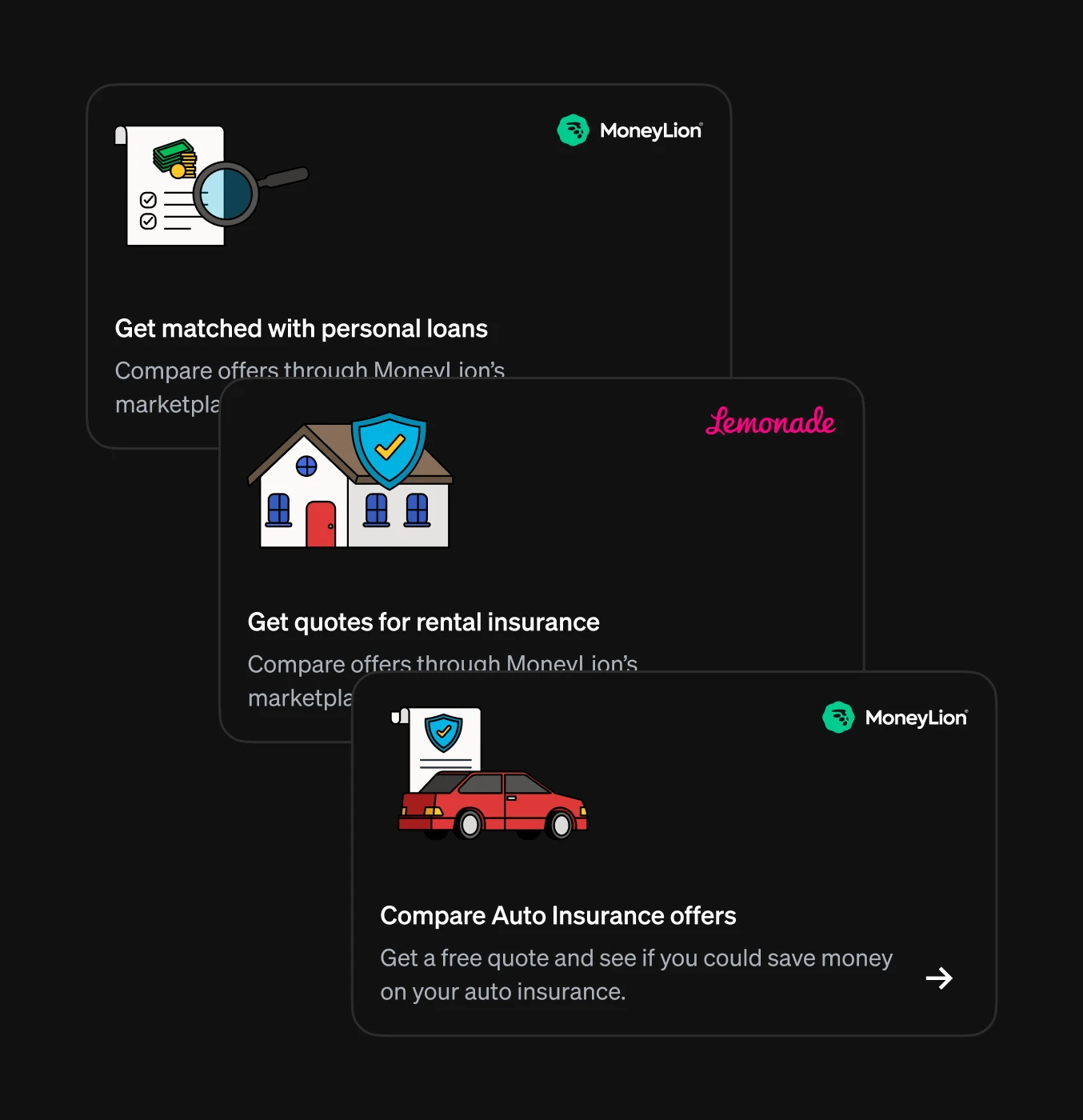
With promotional offers and partnerships, we were limited to using interstitials and content cards on the overview screen, in the same space we were communicating other account related info. PMs and other stakeholders were battling for space as our need to communicate important information and offers grew. This also made for a frustrating user experience, where offers shown in app were fleeting, with no easy way to rediscover.

User research

So what makes sense to our users?

Our original navigation structure relied on outdated logic that split key features across five different tabs. Over time, as we added new services, this led to redundant entry points and a fragmented user experience.

To resolve this, we conducted tree testing and card sorting to validate a new approach. The results confirmed that consolidating these paths into single, focused entry points significantly improved navigation and removed unnecessary complexity.

Project imageProject image

Strategy

The way forward

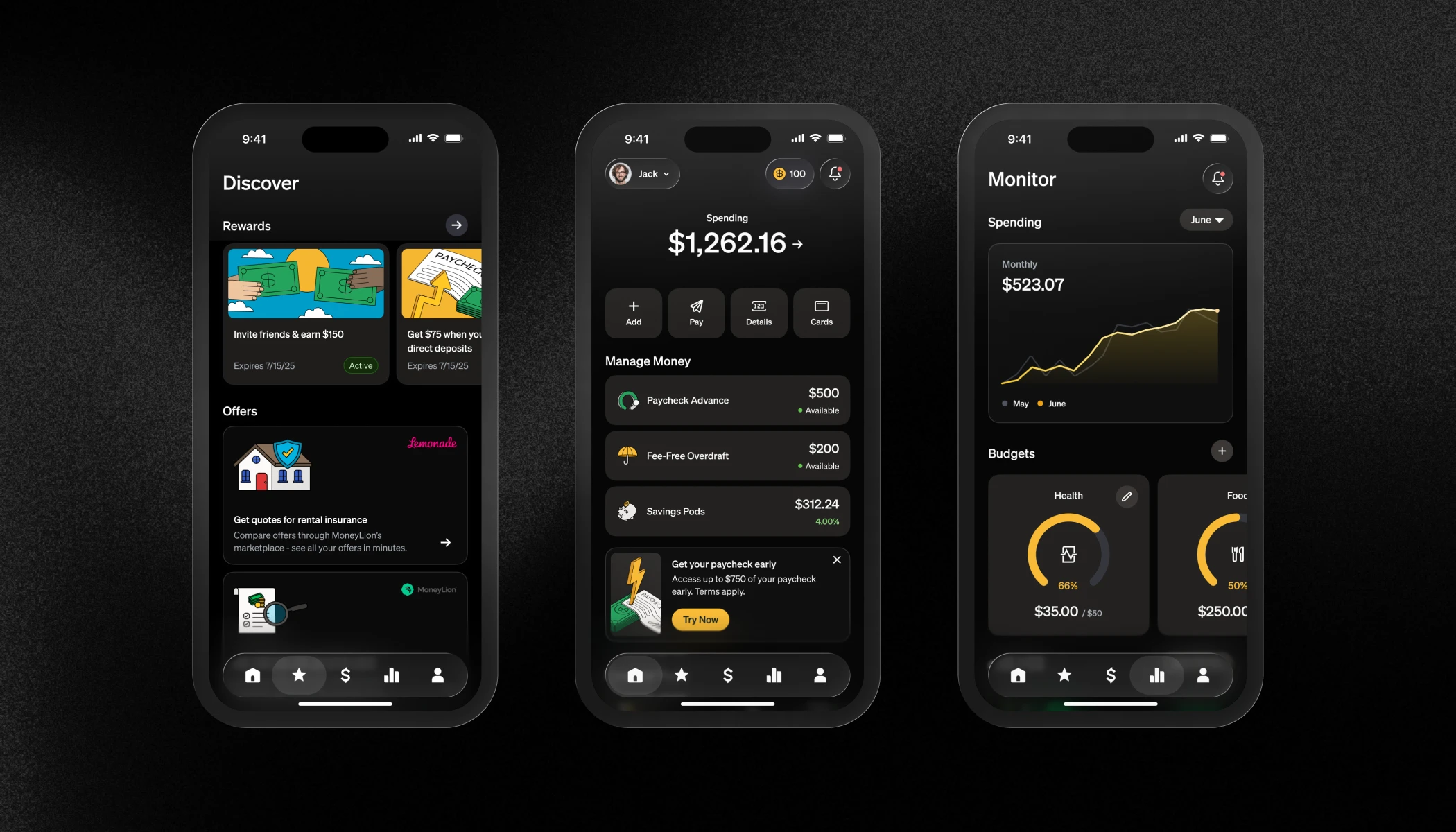
By removing duplicate entry points, deprecating the "Services" tab, and moving prominent features directly to the "Overview" tab, we could significantly increase discoverability and engagement.

Furthermore, introducing a dedicated "Discover" tab for offers and other content would allow for improved discoverability, drive incremental app engagement and ultimately boost payroll conversion.

Rather than shocking our users with a massive overnight change, and in part due to engineering constraints and bandwidth issues, we phased the rollout to monitor risk and user sentiment.

Strategy

Phase 1 (Cleanup)

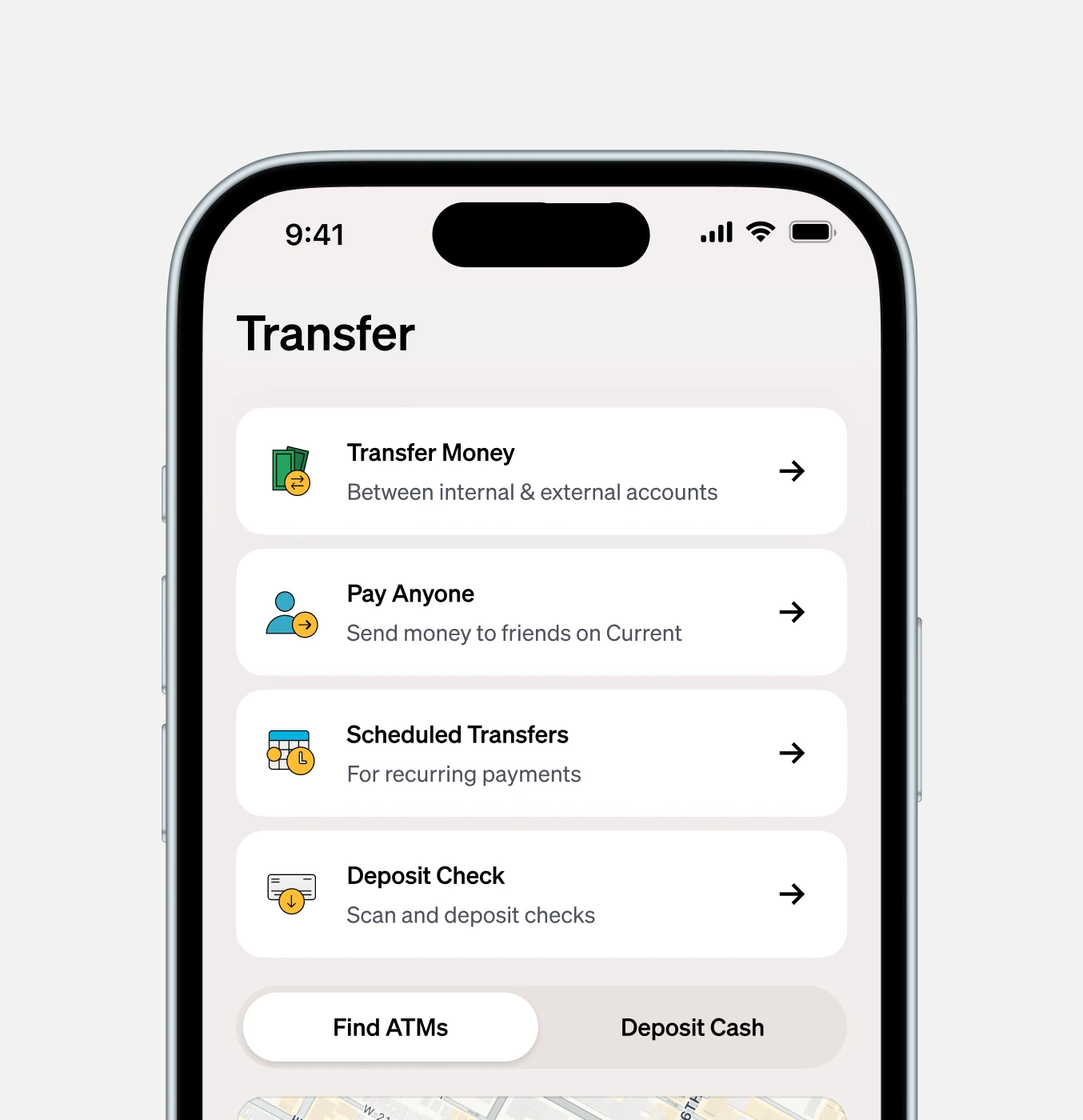
Stripped out duplicate entry points across the Transfer and Account tabs to reduce clutter. We decided to move to 100% immediately without a feature flag based on stakeholder agreement and research findings.

Project image

Strategy

Phase 2 (Consolidation)

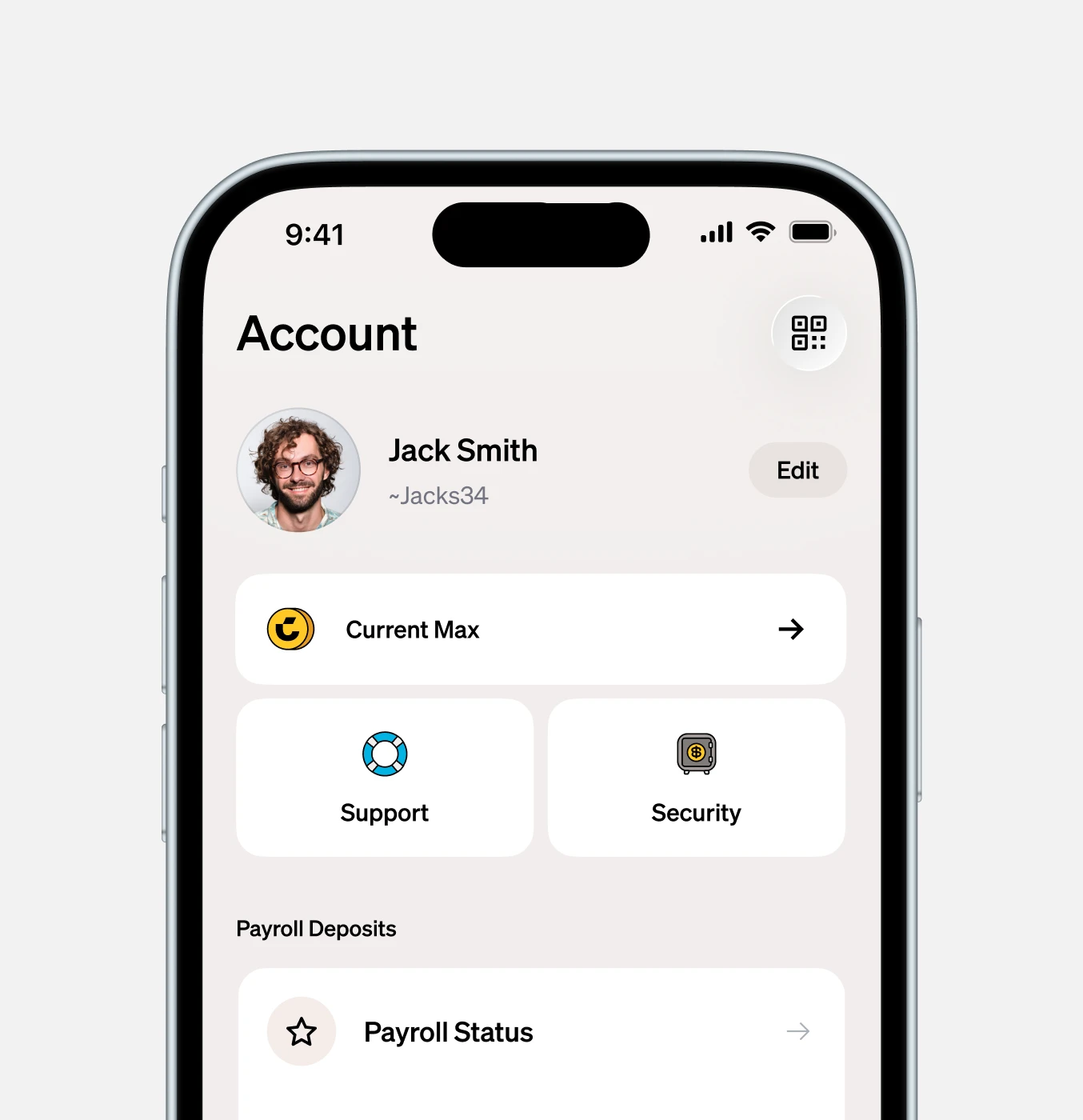
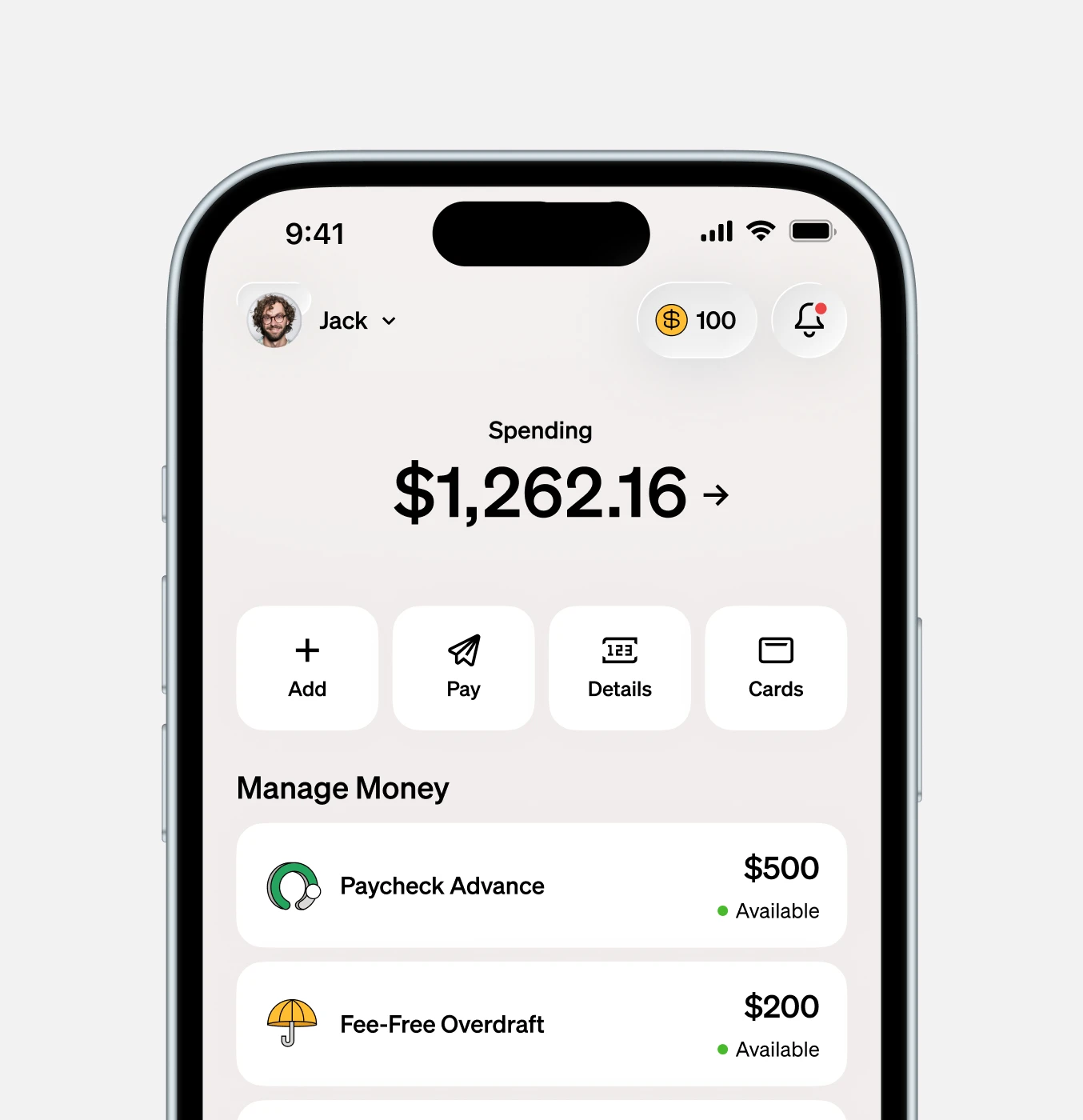
Deprecated the Services tab entirely. Rebuilt the Overview screen with new card components, an animated referral entry point, and immediate visibility into spending balances, Paycheck Advance, and Overdraft. This was rolled out to 10% for monitoring, before an eventual full release after positive sentiment and metrics.

An important note here is the bigger swing of transparency. We had never previously exposed limits for liquidity features at the tab level, and a point of contention between stakeholders was the risk of negative user sentiment in regard to fluctuating Paycheck Advance limits.

Project image

Strategy

Phase 3 (Expansion)

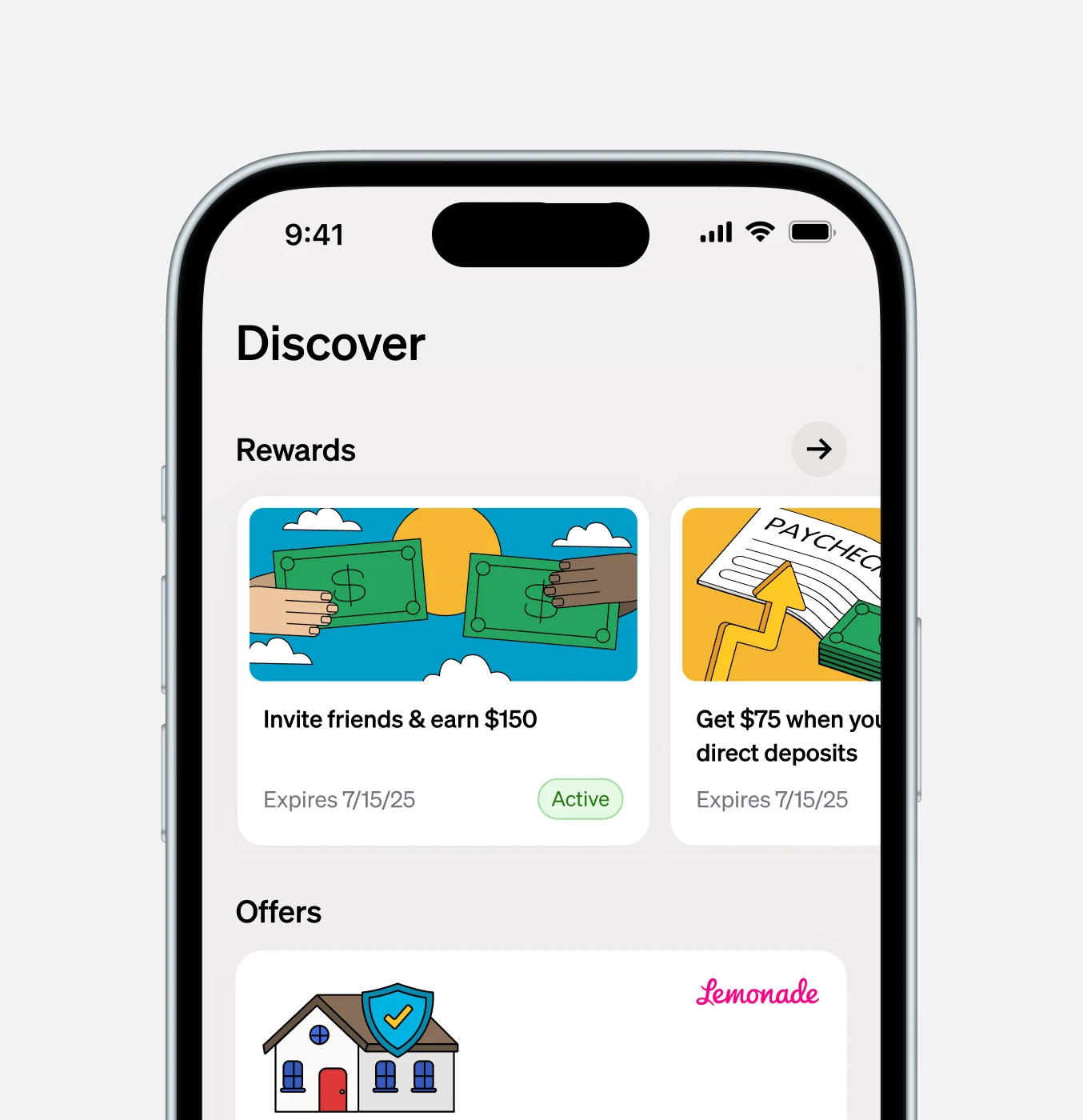
Launched the "Discover" tab to centralize always-on incentives, partnership offers, and points redemption, shifting these from comms-only channels into a native app experience.

Project image
Project imageProject image

Risk management

Navigating edge cases & risk

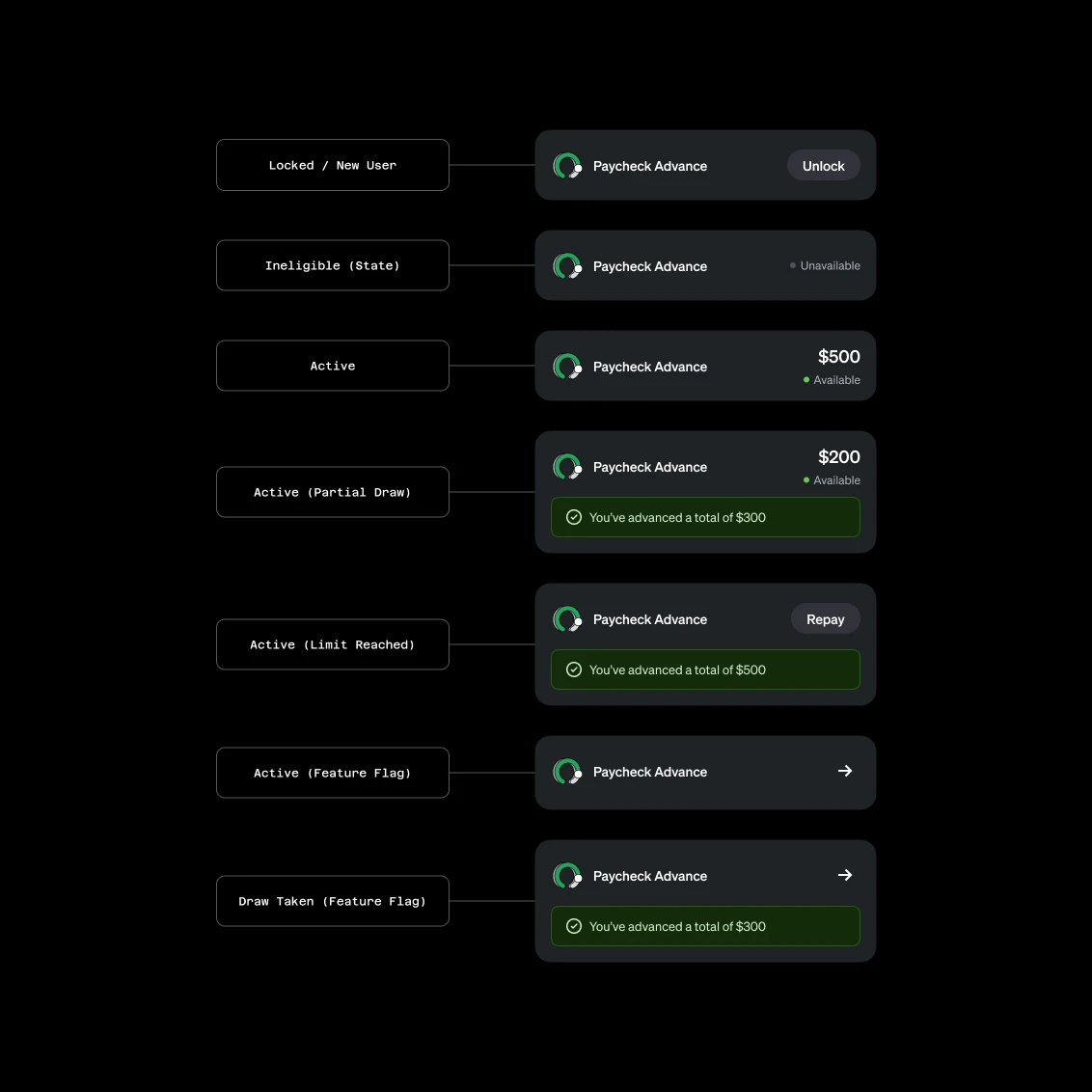
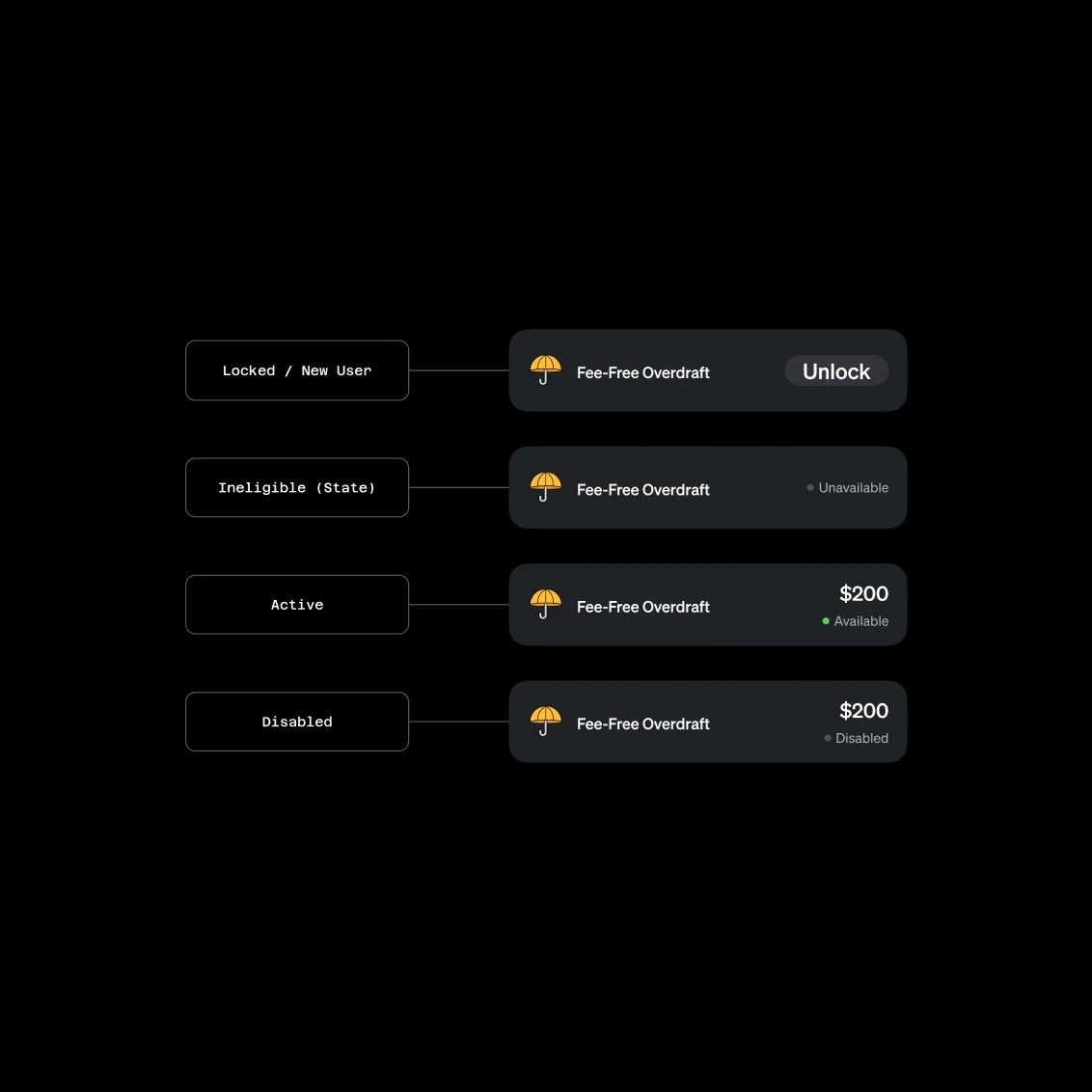
Exposing liquidity limits directly on the home screen introduced new risk, due to limit fluctuations, a known pain point for users. If a user's Paycheck Advance limit decreased, seeing that immediately upon login could trigger frustration or a spike in support tickets.

To mitigate this, I designed distinct contextual states for the UI components depending on the user's lifecycle (New, Active, Limit Reached, Ineligible (State Restriction)). We also gated the visible limits behind specific feature flags to A/B test the impact on user sentiment and inbound support volume before a full rollout.

Project imageProject image

Outcomes

5. The Results

Increase in Paycheck Advance & Overdraft engagement

Why this is a good result based on the RFC: The primary goal was increasing discoverability and clicks to high-value features without hurting business-critical metrics.

Lift in D35 Payroll Conversion

Why this is a good result based on the RFC: The RFC specifically lists D35 payroll conversion (neutral or positive) as the main primacy success metric for Phase 2.

Maintained / Reduced PCA Inbound Support Volume

Why this is a good result based on the RFC: A major risk was that exposing limits on the home screen would cause user confusion and spike support tickets. Showing you kept this stable proves your UI states successfully communicated complex financial data.

Credits

Product Design

Dan Wood

Product Management

Maggie Newcomer, Phil Shipley

Engineering

Sergiy Momot, Ramit Suri, Mingming Lang, Jayson Isaac

Data

Bella Ishmaeva

User Research

Seka Sekanwagi, Travis Pinnick
Preview

Next Project

Driving growth through Current’s core banking.